
Settings via printer panel
When accessing the application, enter the administrator password (1111).

For more security, we recommend changing this password.
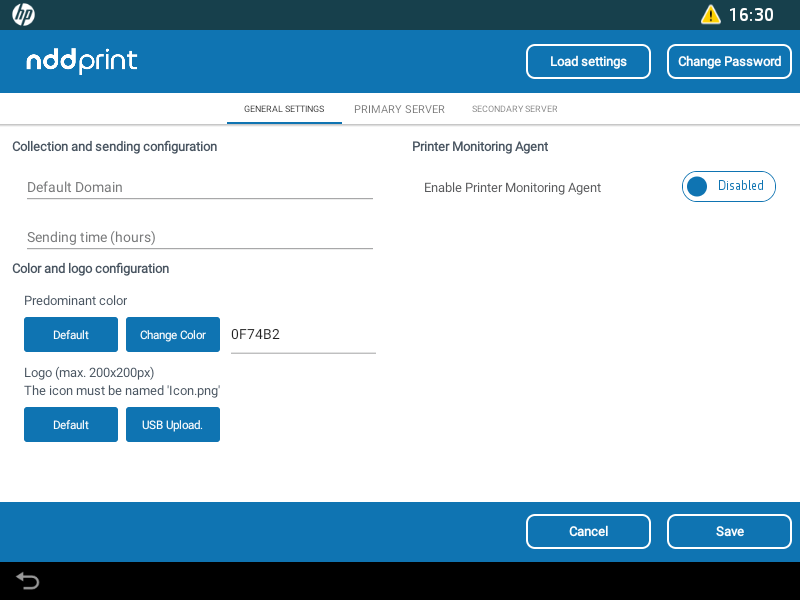
NDD Print Client Collector settings screen
Load settings
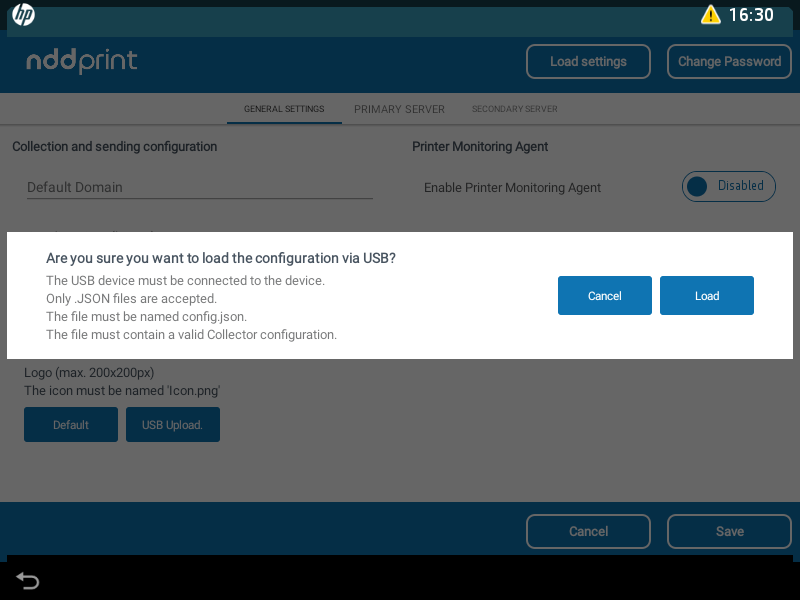
load settings via JSON file
This option can be used in cases where the settings were made via the ECT Tool, but there is no communication between the ECT Tool and the printers.
In this case, we can export the ECT configuration file and import it through the Load configurations option.
Change Password
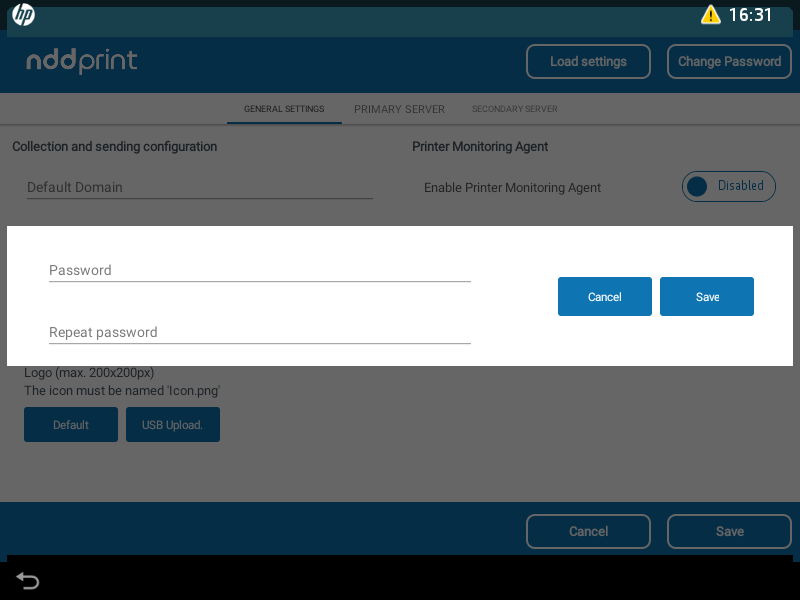
Change Password
Enter the new password to access the HP NDD Print Client Collector settings.