
USB Readers
RFID readers:
Supported readers |
|---|
DMZ Barcode1; |
DMZ Universal RFID Reader; |
RFIdeas Enroll. |

Questions about reader compatibility, contact Sharp.
USB Reader Registration
To use card readers in the nddPrint authentication, it's necessary to enable and register a USB reader in the printers web page. Follow the steps below:
In the printers web page, authenticate as administration and follow the path "User Control" > "Card Reader Settings" and check the box "Use IC card for authentication"
Following, in the printers panel you will see a message warning that the USB reader could not be recognized, connect the reader in the printer. If it's already connected, re-connect it. If the reader is compatible with the printer, you will see a message confirming that a new device was detected. Click "OK" to proceed
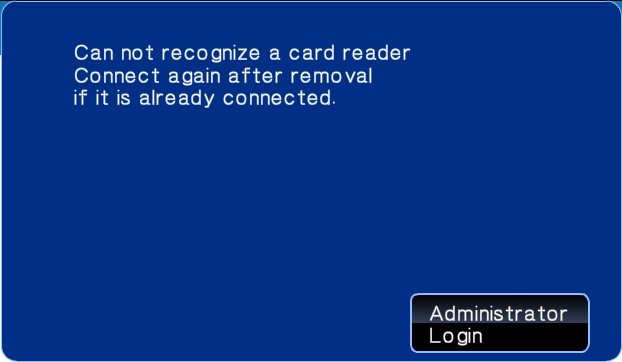
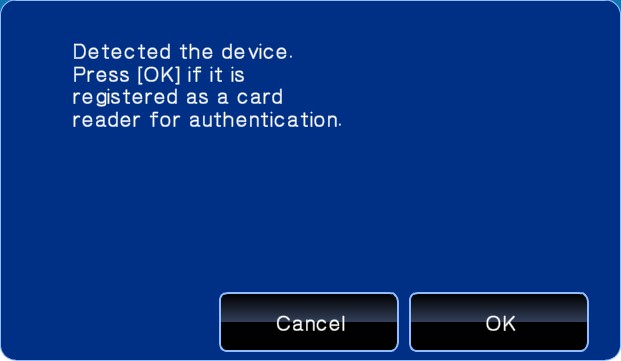
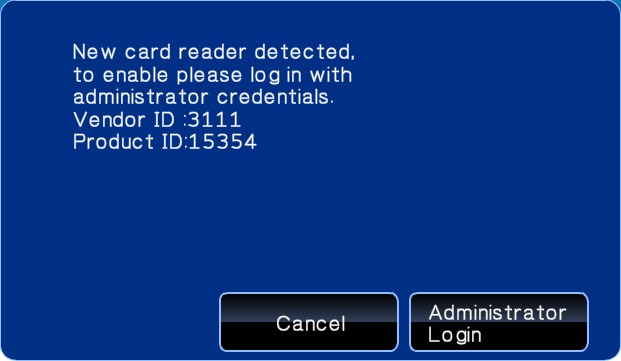
Authenticate as administrator to finish the reader registration and Click "OK" to finish
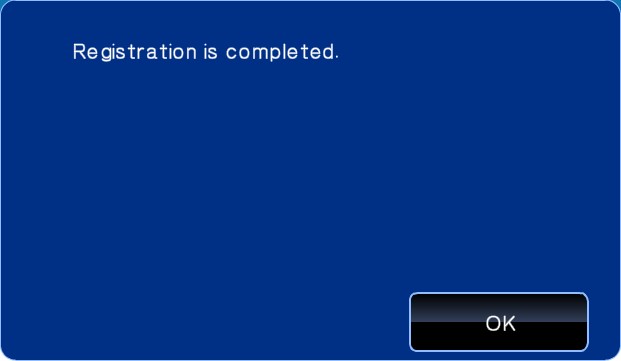
The icon highlighted shows that the card reader is ready for use
