Add Printers
After performing the initial settings, add the printers in the nddPrint n-MF Lexmark interface, so that they start to have their jobs monitored.
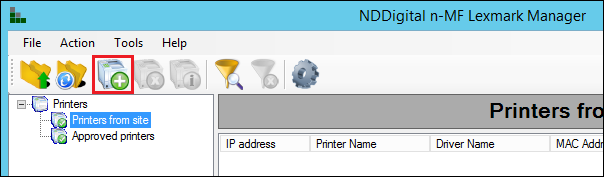
To add a new printer, click the Add Printer icon in the administration interface.
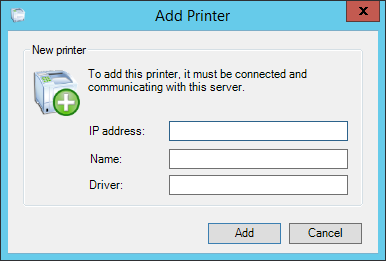
The following interface will open, where you must inform the IP Address, name and driver of the printers which you want to monitor.
The n-MF Lexmark has a list of approved equipments. If the printer is not in the list, its addition will be allowed, but a warning will be displayed.
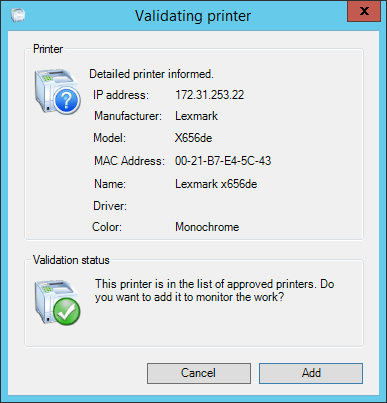
The printers that are not in the list of approved devices can still be monitored, but there are no guarantees as to the correct accounting of them. To request the approval of a specific device, contact the NDD support.
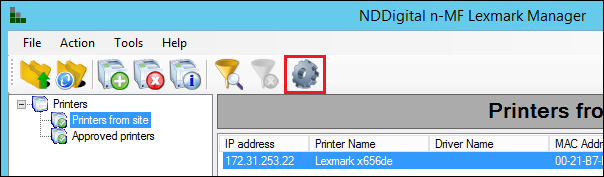
After adding a device, it's necessary to restart the n-MF Lexmark service. To do so, click in the icon as shown below: