
Add/Remove a Printer
Beginning
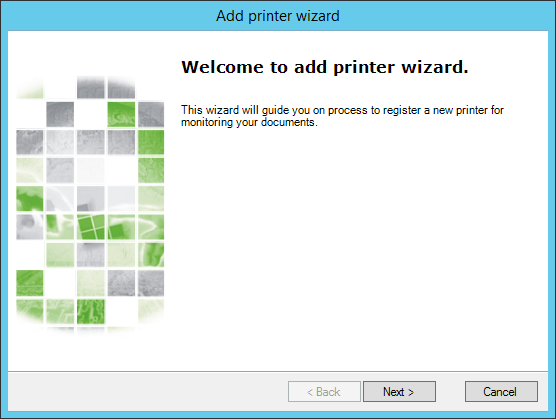
To monitor a printer, it must be added in the administration interface. To do so, open the interface and click Add Printer or access the menu "Action" > "Add...". A Add Printer Wizard will be shown to guide in the process.
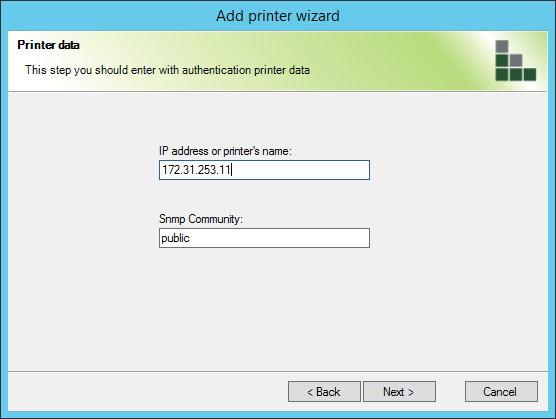
Printers Data
Inform the printers data as requested. The SNMP community configured in this step can not be changed in the printer, as the accounting may stop working.
In this step, a connection test will be performed. If any issue occurs in the communication with the device, a message informing the error will be shown.
Monitoring Configuration
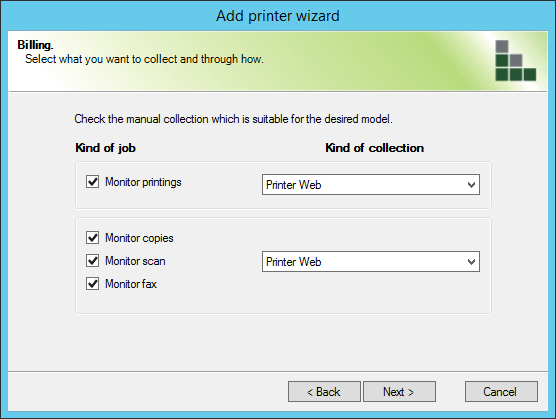
Configure which type of jobs will be accounted in the device and what should be the method to collect these information.
The type of collect of this type of job can be performed through SNMP or Printers Web. By using the collect via SNMP, the n-MF Ricoh does the monitoring of the printings through SNMP packages send by the printer. When a print job is performed, the module identifies that the package sent by the printer contains information of print jobs and extract these information to account them.
When using the collect by the Printers Web, the n-MF Ricoh captures the job information through the printers Web page.
To monitor copies, scans or fax, choose between Printers Web or Embedded Solution. These options works as follows:
Printers Web: This method searches and captures the information of copy, scan and fax straight in the printer's internal Web page;
Embedded Solution: This method captures the print information from a solution installed straight in the Ricoh device. (NDDigital n-Billing Embedded Ricoh).
Access Data
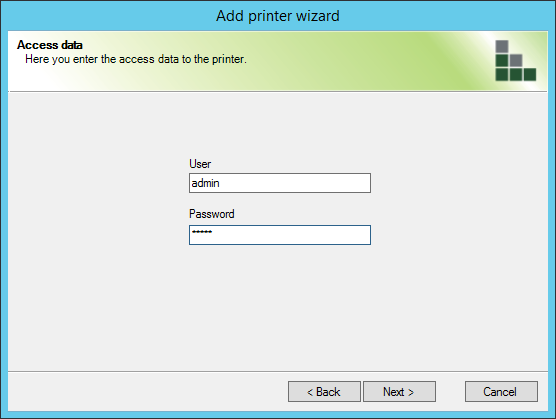
In the following interface, insert the username and password of the printers administrator, regardless of the type of monitoring chosen.
Summary
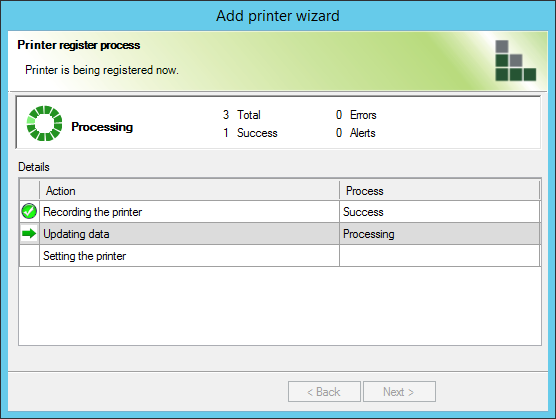
An interface is displayed to the user with the steps performed for adding the printer.
Remove
To stop a printer from being monitored by the n-MF Ricoh, select the desired printer and click the removal icon as shown below or through Action > Remove and confirm the removal.