
Settings
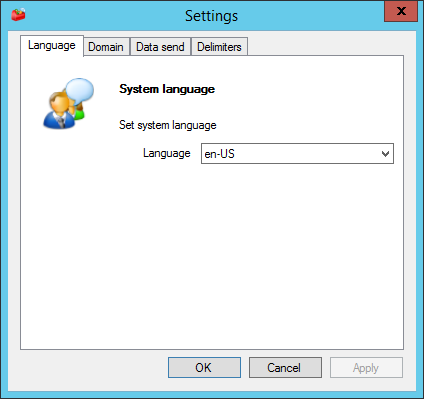
Change Language
You can change the default language of the n-MF Ricoh interface. To make this setting, in the administration interface, access Tools > Settings. It will open a interface as show bellow, where you can select the desired language.
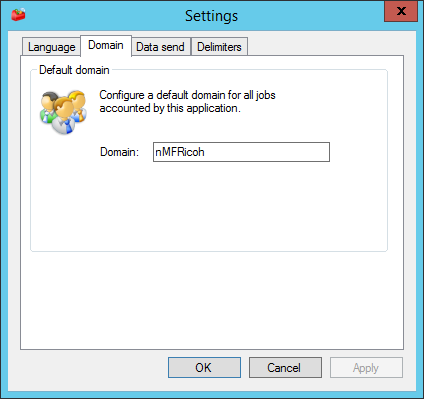
Accounting Domain
By setting a default domain, all jobs that have no domain will be counted for the default domain. To make this setting, in the administration interface, access Tools > Settings. It will open the Settings interface, change to the Domain tab and edit the field as shown bellow.
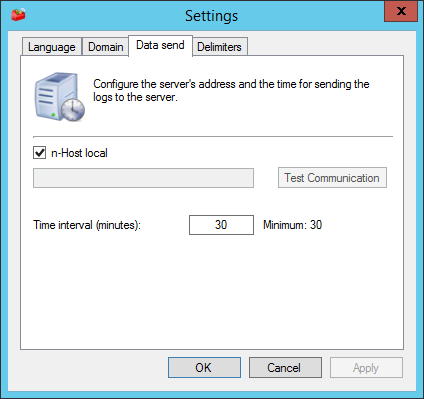
Data Sending
Configure nesta interface o endereço do n-Host, o qual receberá os dados de contabilização e enviará ao n-Server.
Delimiters
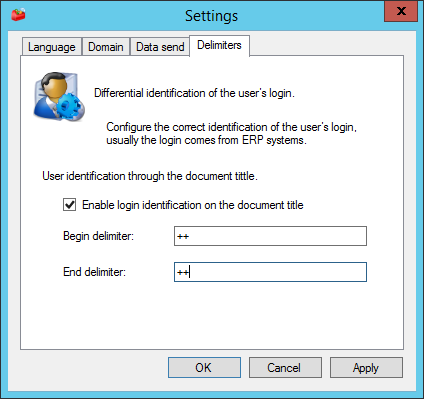
If you need, you can use the forced capture of users from ERP's systems, in which is possible to insert a initial and final mark or delimiter in the title of the retained document, which you be used by the system to capture the name of the user. For example:
EXAMPLE
Document Title: ++C1027662++C0391doc_teste-142452_26032014.pdf
Initial Delimiter = ++
Final Delimiter = ++
User: C1027662.