
Update
The n-MF Ricoh installer, in addition to install, also has the update function. In the computer under it is run, if it detect a previous version already installed, it will execute the update and will only update the files, without modifying the settings already performed in the application.
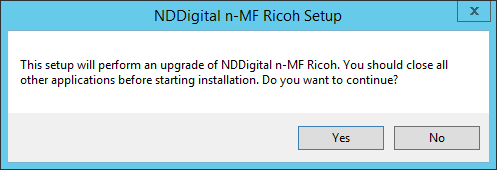
A warning will be shown, informing that the application will be updated.
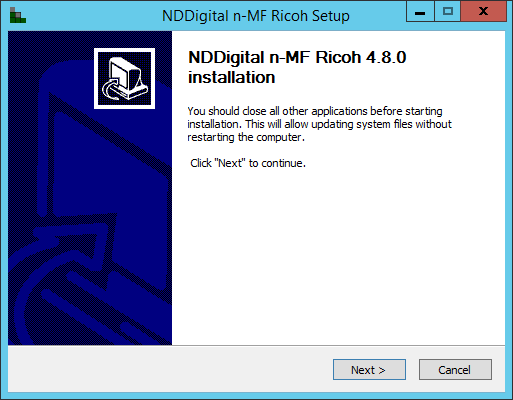
Following, it will open a Welcome interface. To proceed with the installation, click Install.
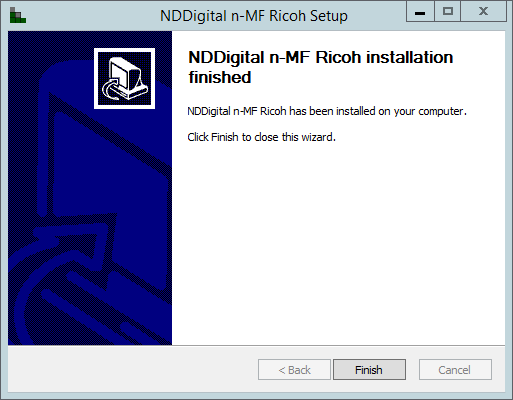
Once finished, the Wizard will confirm that the product was installed. click "Finish" to finish the update process and close the Wizard.
Updates in x64 Platforms
Versions prior to n-MF Ricoh 4.2.0 where native x86, so that they were executed in compatibility mode when in x64 environments. This way, the update in x64 environments requires the previous version to be uninstalled before the installation of the latest one, as the new version run natively in x64 environments. To perform the update, execute the installation package of the n-MF Ricoh, where a message will inform the necessity to uninstall the previously installed package. Click Yes to proceed.
Following, it will offers the option to backup a XML file which contains the information of all the printers registered in the n-MF Ricoh. By clicking Yes, the file will be saved in the desktop, inside the filder Backup XML and by clicking No the installation will not save this backup and they will have to be registered again.
Then follow the uninstall steps and wait for the process to complete.
The installation Wizard of the n-MF Ricoh will open. Follow the installation steps.
After the installation is complete, if the backup file is saved in your desktop, copy it in the installation folder so the registered already performed won't be lost.